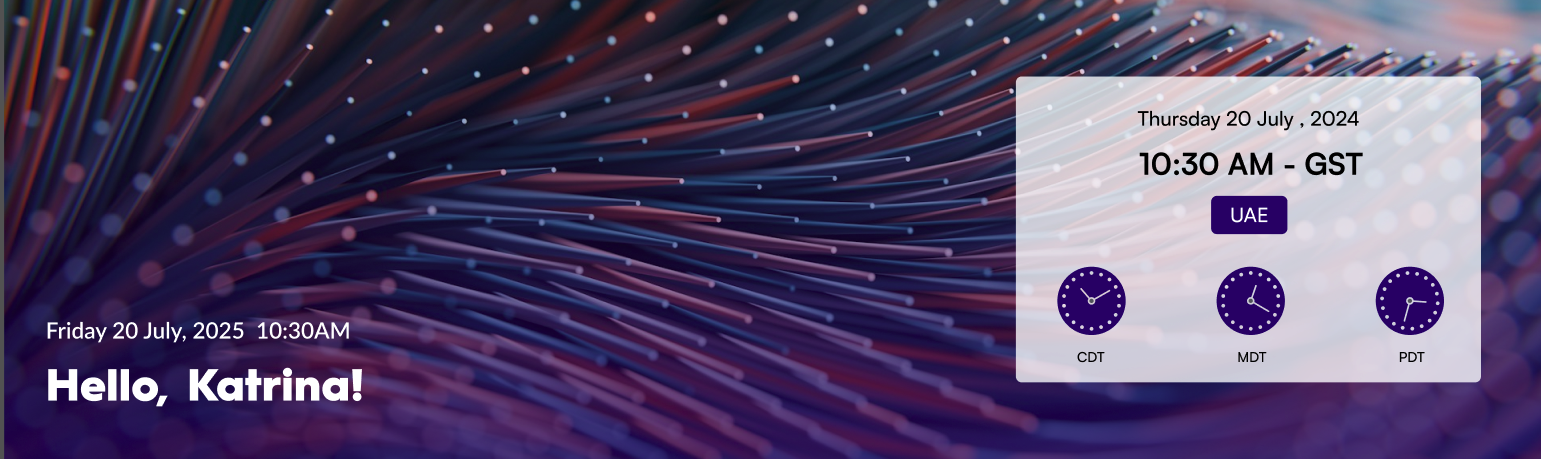
A modern SharePoint web part that displays a personalized greeting and real-time date and time information for the selected city, featuring elegant visuals and user context awareness.
Banner 09
Configuration🔗
General
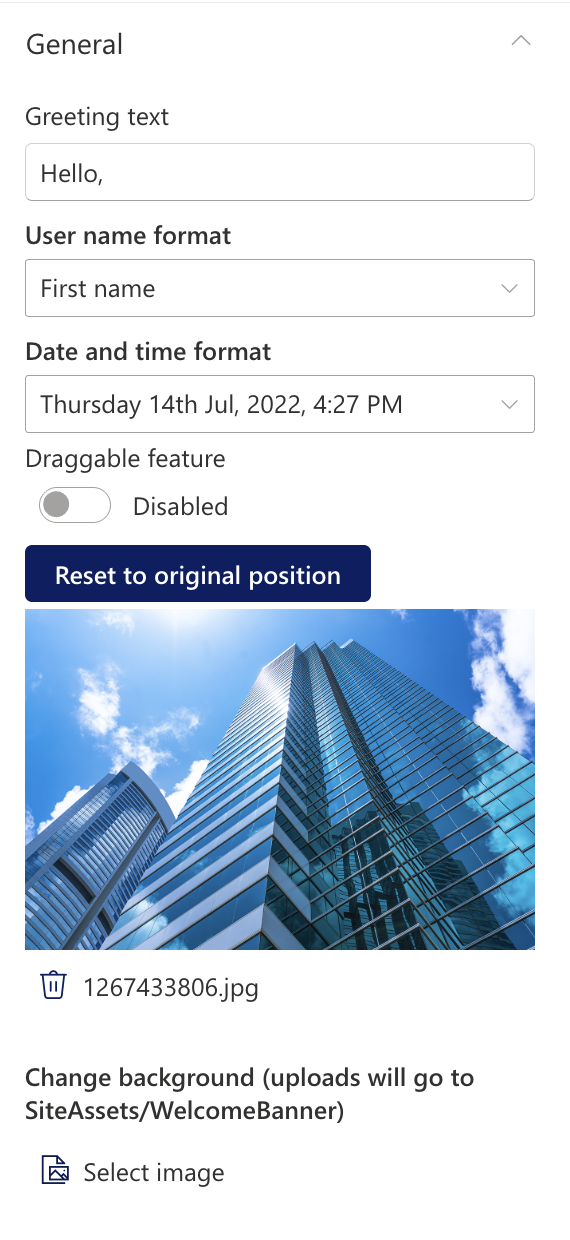
📸 General Settings
General Settings
Name
Purpose
Example
Greeting text
Display a personalized greeting.
“Hello” or "Welcome"
User name format
Display the user's name.
John / John Smith
Draggable feature
Toggle to enable or disable dragging functionality for the web part.
On/Off
Reset to original position
Reset the position of the web part to its default position on the page.
Button
Date and time format
Display the current date and time
“Thursday 14th Jul, 2022, 4:27 PM”
Change Background
Upload a custom banner background
Image Picker
Layout
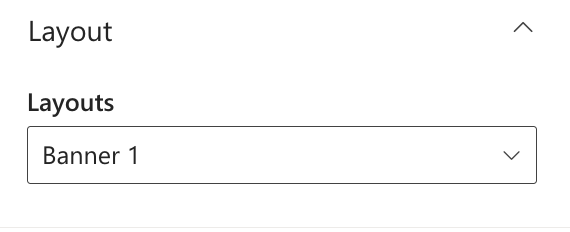
📸 layout settings
layout settings
Name
Purpose
Example
Layouts
Choose the layout for the welcome message.
Dropdown
Timezones
Timezones
Name
Purpose
Example
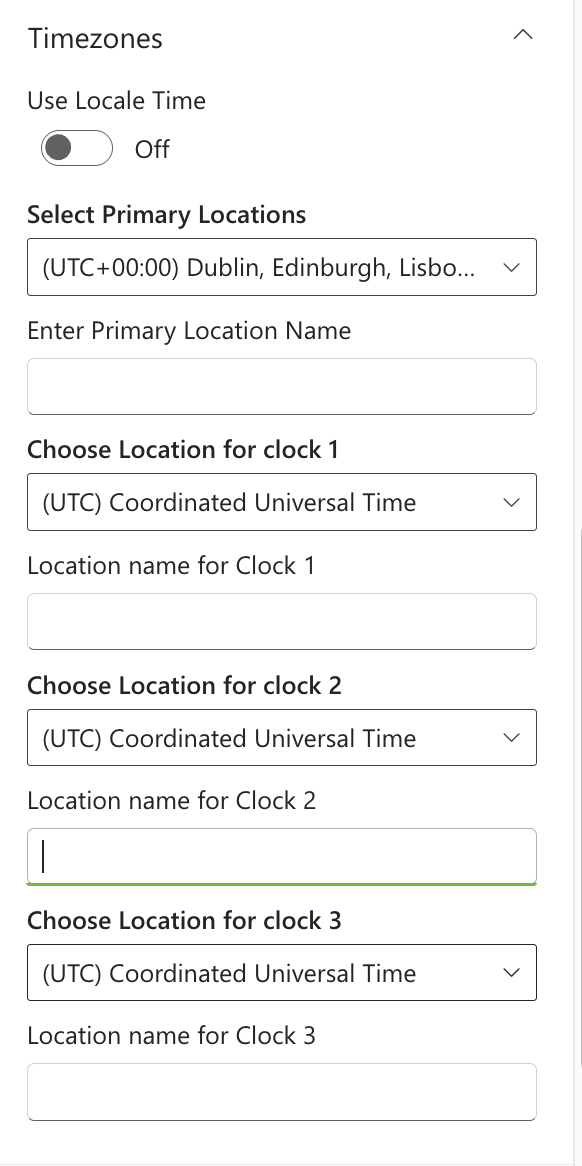
Timezones
Select the timezones that should be displayed in the welcome message.