Welcome Banner 3
Welcome Banner - banner 03
A visually engaging SharePoint web part that presents personalized greetings and displays a message from the CEO.
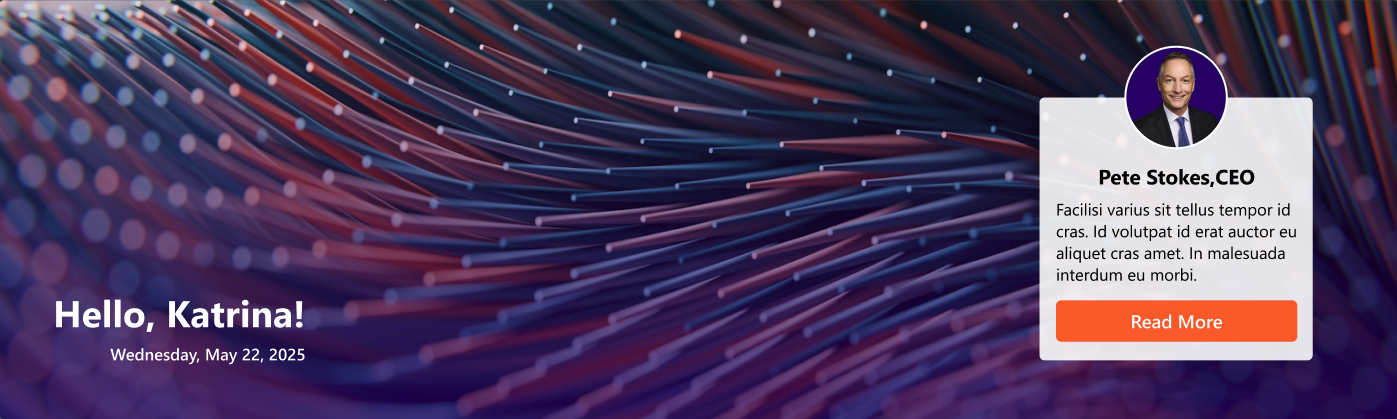 Banner 2
General
📸 General Settings
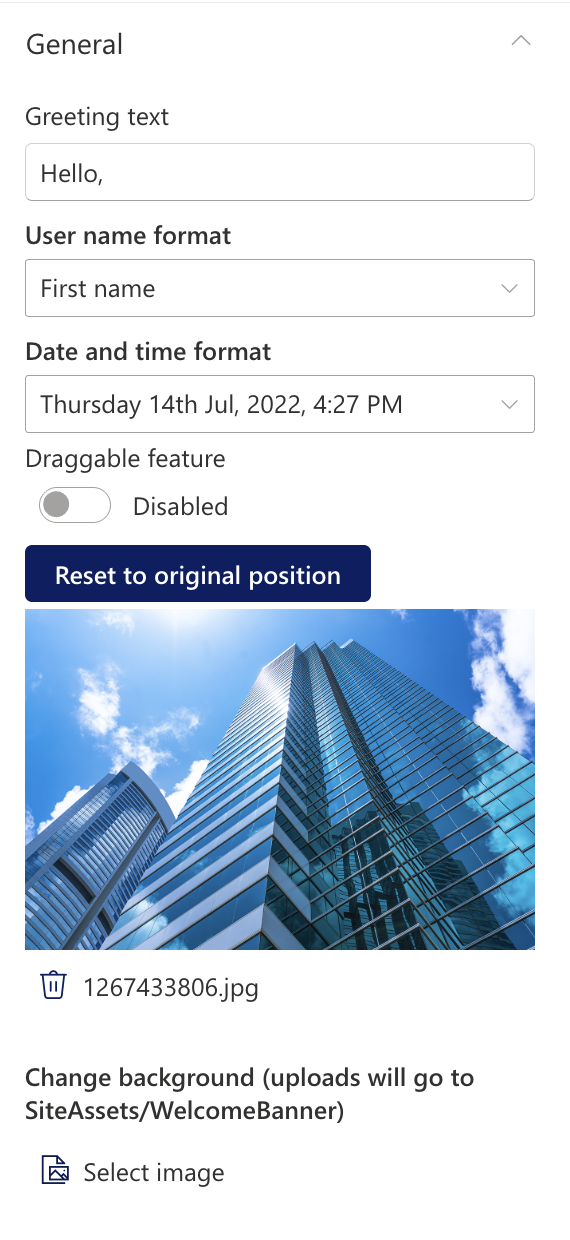 General Settings
| Name | Purpose | Example |
|---|
| Greeting text | Display a personalized greeting. | “Hello” or "Welcome" |
| User name format | Display the user's name. | John / John Smith |
| Draggable feature | Toggle to enable or disable dragging functionality for the web part. | On/Off |
| Reset to original position | Reset the position of the web part to its default position on the page. | Button |
| Date and time format | Display the current date and time | “Thursday 14th Jul, 2022, 4:27 PM” |
| Change Background | Upload a custom banner background | Image Picker |
Layout
📸 layout settings
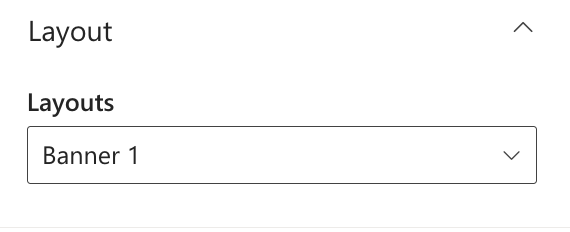 layout settings
| Name | Purpose | Example |
|---|
| Layouts | Choose the layout for the welcome message. | Dropdown |
CEO Message
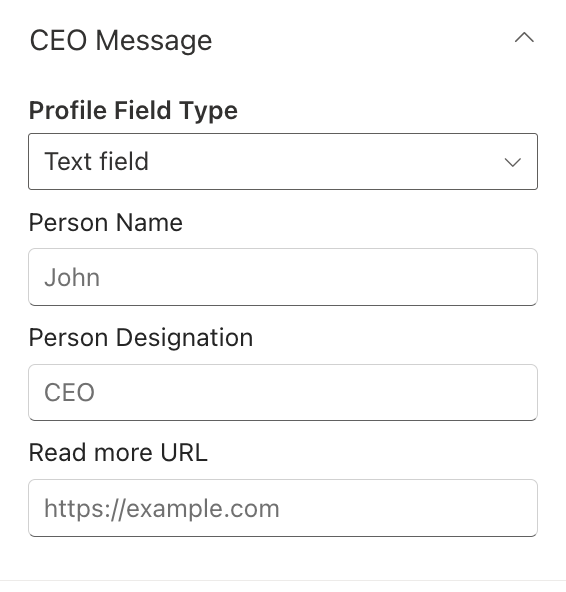 CEO Message
| Name | Purpose | Example |
|---|
| Profile field type | An option to select eith a text field or people picker field | Dropdown option |
| People (people picker) | A people picker field to select the person whose message is to be displayed | People picker |
| Person Name | A text field to add the person name | Text field |
| Person Designation | A text field to add the person designation | Text field |
| Read more URL | A text field to add the read more URL | Text field |
Appearance Settings
📸 Appearance Settings
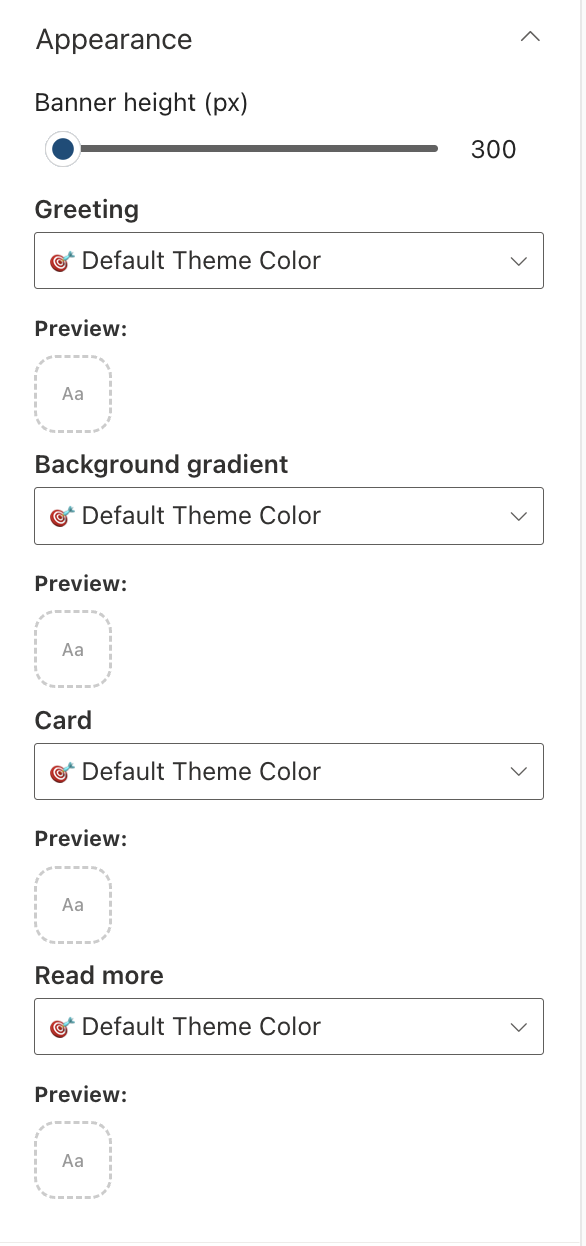 Appearance Settings
| Name | Purpose | Example |
|---|
| Banner Height | Adjust the height of the welcome banner. | Slider Control |
| Greeting | Choose a theme color for the greeting text. | Dropdown |
| Background gradient | Choose a theme color for the Background gradient. | Dropdown |
| Card | Choose a theme color for the CEO Message card. | Dropdown |
| Read more | Choose a theme color for the read more button. | Dropdown |