DOCS
/ / User Guide

Quick Links 5

Quick Links - links 05


Overview🔗

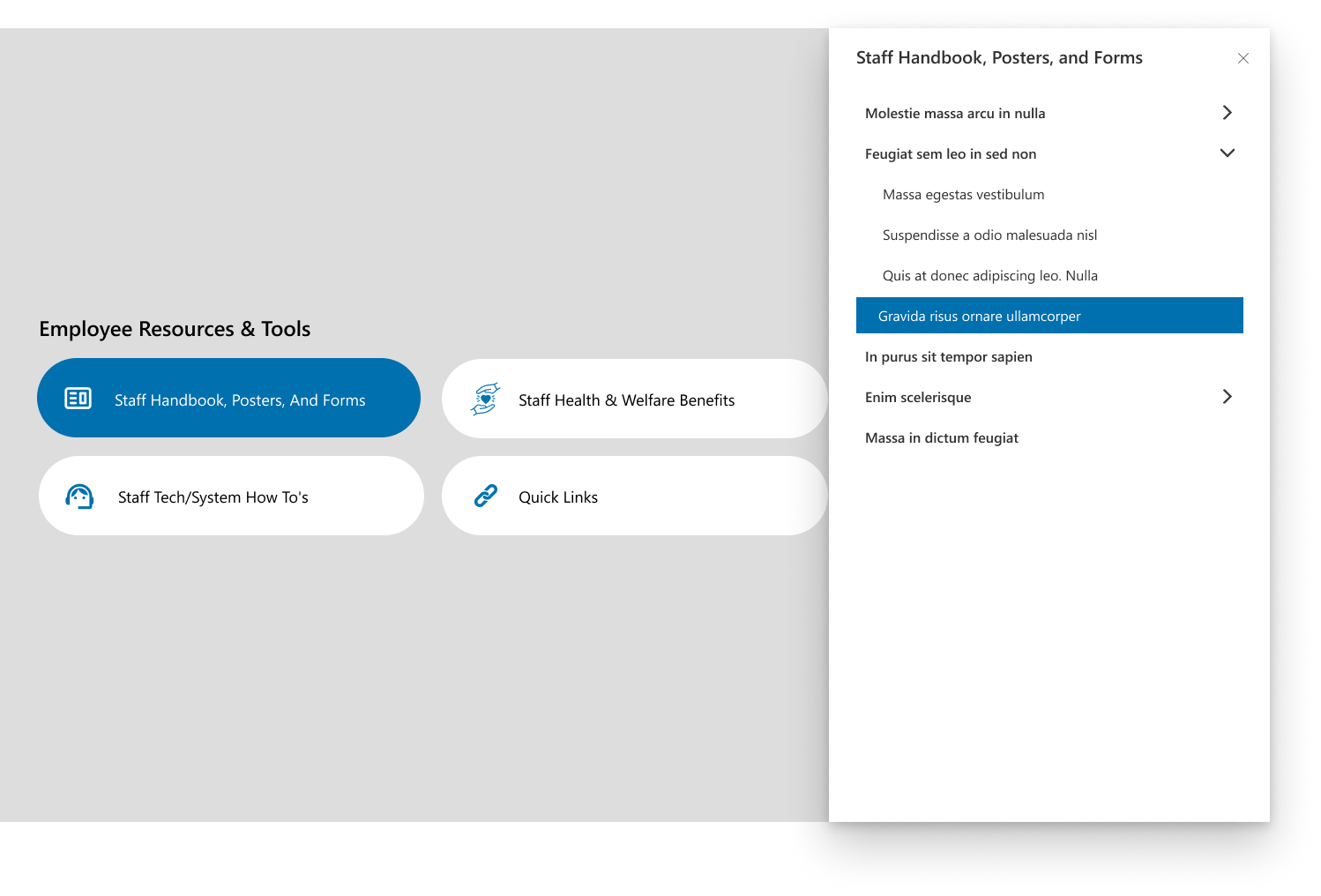
This layout presents categorized employee resources such as staff handbooks, welfare benefits, and system guides. It uses a modern tile design with smooth navigation to detailed document sections. The interface ensures quick access to essential staff materials through an intuitive button-based layout.
Overview
Overview

Configuration🔗

Header settings

📸 Header Settings
Header Settings
Header Settings
NamePurposeExample / Options
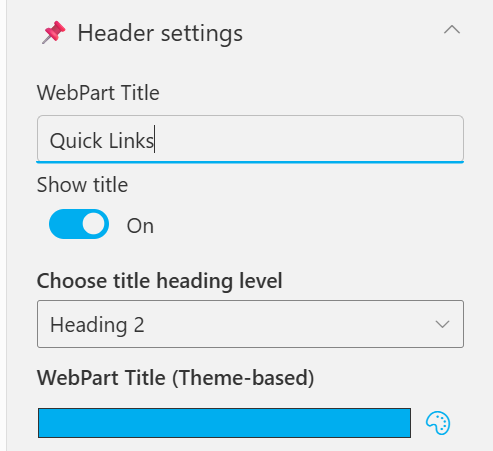
WebPart TitleSpecify a title for the Quick Links Web Part.“Quick Links”
Choose title heading levelSelect the heading level (H1–H6) for the WebPart title.Heading 3
Hide WebPart TitleToggle to show or hide the WebPart title.Show / Hide
WebPart Title (Theme-based)Set a theme-based title color or style for the WebPart.Color Picker

General settings

📸 General Settings
General Settings
General Settings
NamePurposeExample / Options
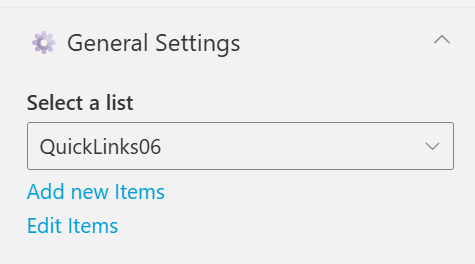
Select ListChoose which SharePoint list to display data from.Quick Links
Add New ItemsShortcut to add new list items directly.Link (Add New Items)
Edit ItemsOpens the selected list to modify existing entriesLink (Edit Items)

Appearance settings

📸 Appearance Settings
Appearance Settings
Appearance Settings
NamePurposeExample / Options
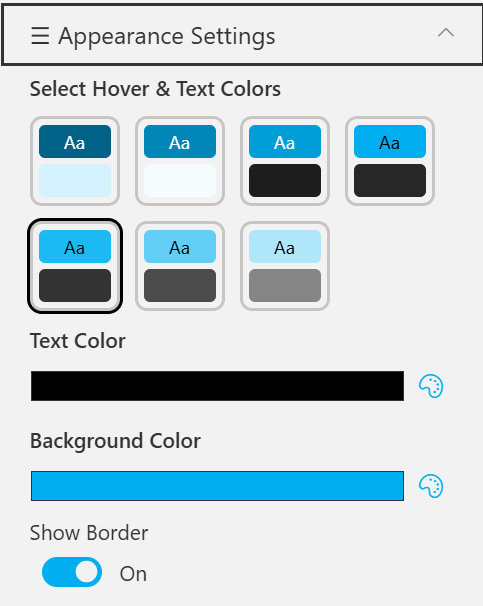
Select Hover & Text ColorsChoose from preset hover and text color combinations.6 Style Options
Text ColorDefine the text color used in the quick link tiles.Color Picker (Black)
Background ColorSet the background color for tiles or web part area.Color Picker (Blue)
Show BorderToggle the border visibility around each item.On / Off

🆘 Support🔗

For help or inquiries, contact SharePoint Designs: 🌐 www.sharepointdesigns.com 📧 support@sharepointdesigns.com